

Payment accounts and ledgers
Configure cash, bank, mobile, card, or other accounts and preserve a transaction history linked to each operational source.
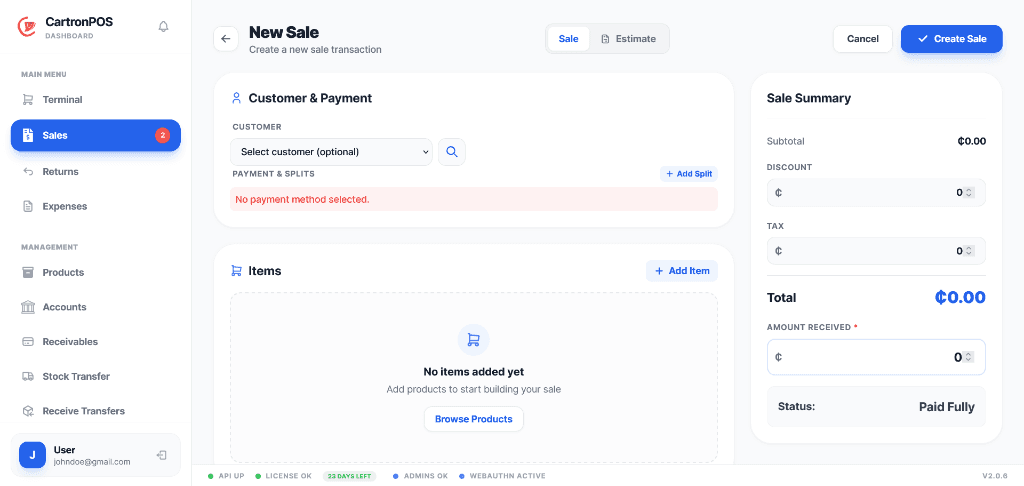
Branch-aware payment accounts and operating ledgers connected directly to sales and purchasing activity.
Keep financial activity connected to the transaction that created it. Sales, refunds, receivables, payables, and expenses feed account histories and reporting without losing branch or payment-account context.
The workspace is organized around complete operational responsibilities, not a collection of disconnected menu labels.
Configure cash, bank, mobile, card, or other accounts and preserve a transaction history linked to each operational source.
Track customer obligations, due dates, balances, statuses, and settlements without disconnecting them from sales or billing.
Record supplier obligations and categorized operating expenses with branch, approval, reference, and payment-account context.
Analyze revenue, costs, margins, payment methods, expenses, promotions, and branch performance from connected records.
These are the principal operational records staff create, update, review, or hand to another connected module.
The module combines records, permissions, location scope, and shared services to support these practical operating results.
Sales, refunds, fees, purchasing, and operating expenses remain connected to the account entries they created for faster investigation and reconciliation.
Finance teams can monitor amounts owed by customers and amounts due to suppliers with due dates, status, settlement, and branch context intact.
Revenue, cost, margin, expenses, payment methods, and account movement can be reviewed by branch without merging unrelated operating locations.
The module connects the following working capabilities through one tenant and branch model.
A typical operating sequence; permissions and branch configuration determine who performs each step.
Configure payment accounts and branch defaults
Let sales, refunds, purchasing, fees, or billing create linked financial entries
Record receivables, payables, expenses, transfers, and settlements
Reconcile account histories and report by branch, period, account, or transaction source
The workspace is connected to the wider platform without removing tenant, location, department, or permission boundaries.
Local branches post supported sales and account activity against their assigned accounts. Hosted synchronization consolidates those branch records while preserving source identifiers and account histories.
Accounts are available only to their permitted tenant and branch context. Financial permissions separately control viewing, creating, approving, settling, transferring, and reporting.
Review balances, settlements, account movements, receivables, payables, expenses, revenue, cost, margin, and branch-level financial performance with permission-controlled access.
Module enablement makes the workspace available to the organization. User assignments and permissions still control its menus and actions.
Administrators can combine module access with branch, store, campus, facility, department, menu, and action permissions. A shared user may work across approved workspaces without receiving access to unrelated records.
Hosted onboarding records the organization, first branch, business type, module selection, and owner account. Additional branches, roles, and permissions can be configured from administration.