

Dining areas and tables
Organize service areas, seats, guests, occupancy, and active sale state for dine-in or service locations.
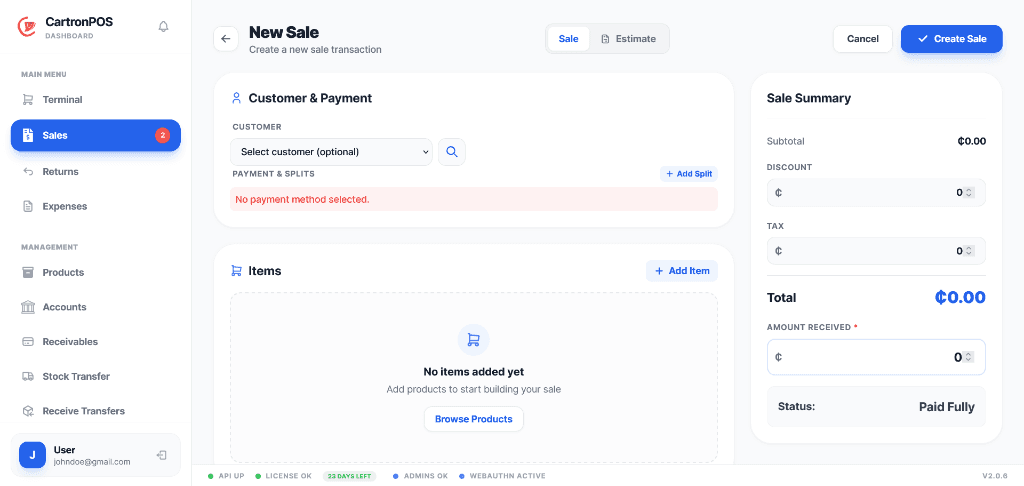
Coordinate tables, waiter orders, kitchen preparation, recipes, and counter payments in one flow.
Separate food-court, bar, wine-court, kitchen, and warehouse stock while sharing authorized users and management reporting. Confirmed orders move from service staff to kitchen tickets and then into POS settlement.
The workspace is organized around complete operational responsibilities, not a collection of disconnected menu labels.
Organize service areas, seats, guests, occupancy, and active sale state for dine-in or service locations.
Give service staff a focused order-entry workflow and route confirmed items to the correct preparation team.
Move tickets through accepted, preparing, ready, served, priority, and cancellation states on a dedicated display.
Calculate product composition cost, consume ingredients from the correct division, and settle completed service through POS.
These are the principal operational records staff create, update, review, or hand to another connected module.
The module combines records, permissions, location scope, and shared services to support these practical operating results.
Waiters, kitchen teams, cashiers, and managers work from connected order states without sharing every menu or administrative permission.
Food court, bar, wine court, central kitchen, and warehouse quantities can remain in their own branches or inventory divisions while authorized users cross approved workspaces.
Recipes, ingredient usage, yield, composition cost, sales, and payment outcomes give managers a clearer view of what each menu item contributes.
The module connects the following working capabilities through one tenant and branch model.
A typical operating sequence; permissions and branch configuration determine who performs each step.
Seat guests or start a waiter order for the correct dining area
Confirm items and route preparation work to the kitchen display
Move tickets through preparation, ready, and served states
Settle through POS while recipes and branch inventory record ingredient consumption
The workspace is connected to the wider platform without removing tenant, location, department, or permission boundaries.
Restaurant teams can use dedicated hosted workspaces while branch checkout and supported inventory continue through the local application when required. Food, beverage, and warehouse divisions remain separate.
Restaurant access can be separated for waiters, kitchen staff, cashiers, stock teams, and managers. Food, bar, wine-court, and central-store quantities can remain in distinct divisions.
Review active service, kitchen progress, sales, recipe cost, ingredient consumption, stock by division, waiter activity, discounts, and payment outcomes.
Module enablement makes the workspace available to the organization. User assignments and permissions still control its menus and actions.
Administrators can combine module access with branch, store, campus, facility, department, menu, and action permissions. A shared user may work across approved workspaces without receiving access to unrelated records.
Hosted onboarding records the organization, first branch, business type, module selection, and owner account. Additional branches, roles, and permissions can be configured from administration.