

Front desk and patient access
Register patients, manage appointments, begin encounters, maintain demographics, and direct people into the appropriate care workflow.
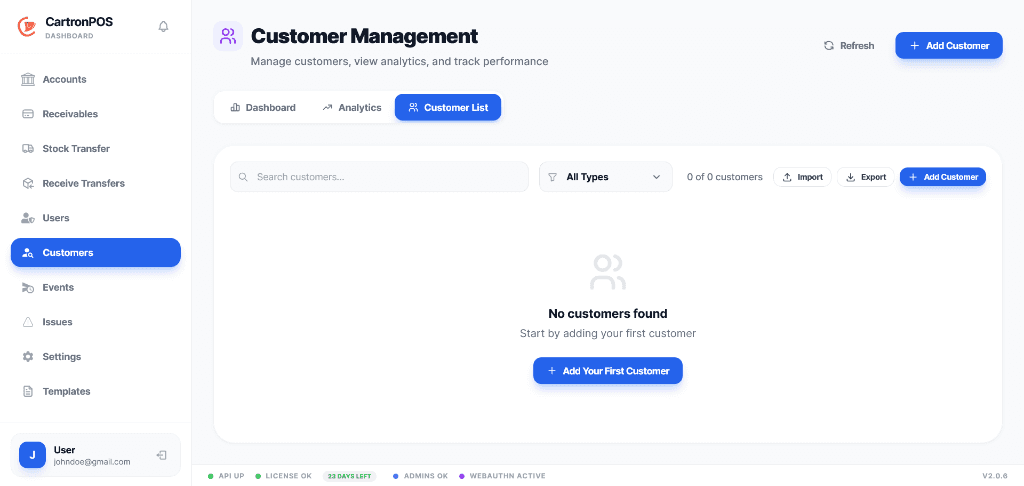
A separate clinical workspace spanning front desk, care delivery, diagnostics, pharmacy, stores, and billing.
Give each department a focused menu while maintaining one branch-scoped patient and encounter record. Role permissions control access to clinical work, results, records, stock, claims, and financial operations.
The workspace is organized around complete operational responsibilities, not a collection of disconnected menu labels.
Register patients, manage appointments, begin encounters, maintain demographics, and direct people into the appropriate care workflow.
Support practitioner worklists, encounters, emergency triage, admissions, wards, theatre, maternity, pediatrics, and clinical records.
Place laboratory or radiology orders, enter results and reports, manage revisions, and control review or acknowledgement of critical findings.
Connect prescriptions and dispensing to batch stock while central stores manage departmental requisition, approval, issue, and receipt.
Post clinical services to patient billing, apply coverage, manage claims, collect payments, and write linked account-ledger activity.
Preserve the authorized patient timeline, encounter documents, department hand-offs, audit history, and role-limited access.
These are the principal operational records staff create, update, review, or hand to another connected module.
The module combines records, permissions, location scope, and shared services to support these practical operating results.
Patient identity, encounters, orders, results, prescriptions, admissions, procedures, and billing remain connected while department permissions limit inappropriate access.
Front desk, clinical teams, diagnostics, pharmacy, records, central stores, and billing can see the work assigned to them and the state required for the next step.
Service delivery, diagnostic results, medicine or supply movement, coverage decisions, claims, payments, and account postings retain their source and branch context.
The module connects the following working capabilities through one tenant and branch model.
A typical operating sequence; permissions and branch configuration determine who performs each step.
Register the patient and schedule or begin the relevant encounter
Record clinical work and place diagnostic, pharmacy, admission, theatre, or departmental orders
Complete results, treatment, dispensing, requisitions, and departmental hand-offs
Post services to billing, process coverage or claims, collect payment, and complete the episode of care
The workspace is connected to the wider platform without removing tenant, location, department, or permission boundaries.
The hosted hospital workspace carries the full clinical and departmental workflow. Hospital pharmacy, stores, billing points, and other supported branch operations can use the shared local POS and inventory foundation where continuity is required.
Patient identity remains connected across authorized care workflows while encounters, orders, stock, billing, and worklists retain branch and department context. Clinical menu and action permissions limit access by role.
Review appointments, patient flow, encounters, admissions, diagnostics, critical results, theatre and departmental work, medicine or supply movement, service billing, claims, collections, and branch performance according to clinical and financial permissions.
Module enablement makes the workspace available to the organization. User assignments and permissions still control its menus and actions.
Administrators can combine module access with branch, store, campus, facility, department, menu, and action permissions. A shared user may work across approved workspaces without receiving access to unrelated records.
Hosted onboarding records the organization, first branch, business type, module selection, and owner account. Additional branches, roles, and permissions can be configured from administration.