

Medicine catalog
Link sellable products to medicine profiles, dosage information, prescription requirements, and controlled identifiers.
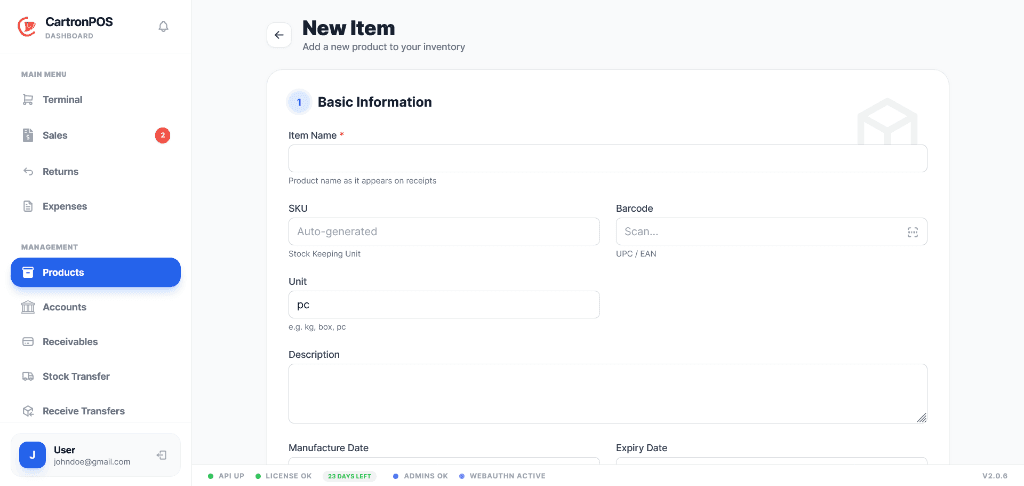
Control medicine identity, prescriptions, batches, dispensing, expiry, recalls, and pharmacy stock.
Combine medicine-specific controls with the shared POS and inventory engine. Community and hospital pharmacies can receive batches, prioritize FEFO stock, dispense prescriptions, and preserve branch-level medicine history.
The workspace is organized around complete operational responsibilities, not a collection of disconnected menu labels.
Link sellable products to medicine profiles, dosage information, prescription requirements, and controlled identifiers.
Receive costed quantities with expiry dates and determine eligible stock by branch, batch, quarantine, recall, and FEFO order.
Review prescriptions, select eligible batches, record dispensing, and connect the outcome to billing and stock deduction.
Identify expiring, expired, quarantined, or recalled stock and preserve medicine movement and dispensing history.
These are the principal operational records staff create, update, review, or hand to another connected module.
The module combines records, permissions, location scope, and shared services to support these practical operating results.
Branch, batch, expiry, quarantine, recall, and FEFO controls help staff select eligible medicine stock before recording a dispensing event.
Prescription review, chosen batches, quantities, stock deductions, billing, and medicine history remain part of one traceable operational flow.
Pharmacy teams can identify expiring, expired, quarantined, or recalled batches and act before affected quantities are offered for normal dispensing.
The module connects the following working capabilities through one tenant and branch model.
A typical operating sequence; permissions and branch configuration determine who performs each step.
Link products to medicine profiles and receive traceable batches
Review prescription requirements, available batches, expiry, quarantine, and recall state
Select eligible stock using FEFO controls and record the dispensing event
Post the charge, stock deduction, batch history, and prescription outcome together
The workspace is connected to the wider platform without removing tenant, location, department, or permission boundaries.
Community and hospital pharmacies use the hosted pharmacy workspace for profiles, prescriptions, and oversight while supported branch stock and terminal activity can continue locally and synchronize by branch.
Medicine stock is store and batch scoped. Pharmacy permissions distinguish medicine setup, receiving, prescription review, dispensing, inventory control, and management reporting.
Review prescription status, dispensed quantities, batch availability, expiry exposure, quarantines, recalls, medicine stock value, and branch pharmacy performance.
Module enablement makes the workspace available to the organization. User assignments and permissions still control its menus and actions.
Administrators can combine module access with branch, store, campus, facility, department, menu, and action permissions. A shared user may work across approved workspaces without receiving access to unrelated records.
Hosted onboarding records the organization, first branch, business type, module selection, and owner account. Additional branches, roles, and permissions can be configured from administration.